
I want to share a useful tip with Oracle E-Business suite users. On some monitors EBS Forms size may be too large or too small. The solution is described in the following MOS Doc:
For EBS Forms based applications on Mac OS workstations the resolution of the Forms is a inferior resolution compared to the Mac OS resolution (Doc ID 2924556.1)
You need to adjust the profile value ‘ICX: Forms Launcher’ at the user level. Copy a value from the Site level and append: ?clientDPI=96
96 here is a sample value. You may experiment to adjust it to your monitor. The form size will be larger if the value is higher and vice versa. Here are the examples of different values.
No value on the user level
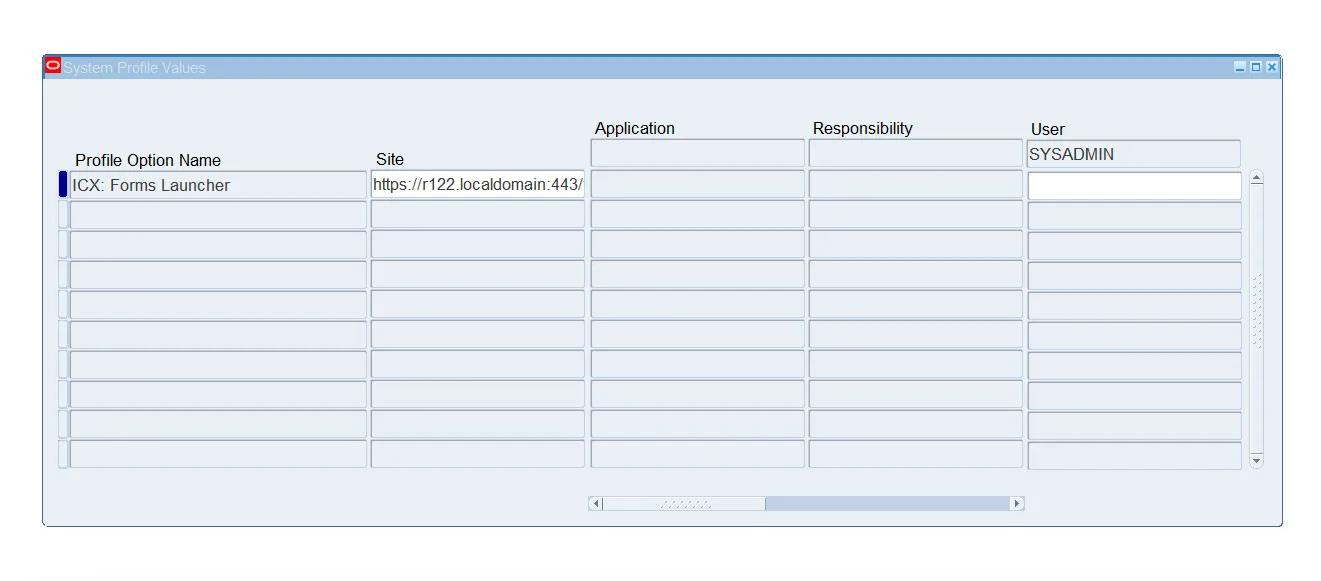
https://r122.localdomain:443/forms/frmservlet?clientDPI=50
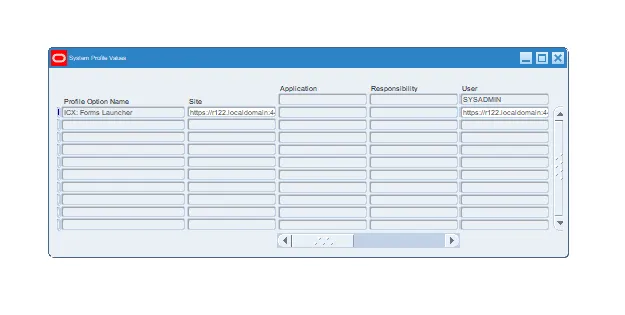
https://r122.localdomain:443/forms/frmservlet?clientDPI=150

I hope this small trick will make your work more comfortable.
You may check it out using Enginatics Demo instance and Blitz Report form.