
Supply Chain Hub Query
Hi Eric,
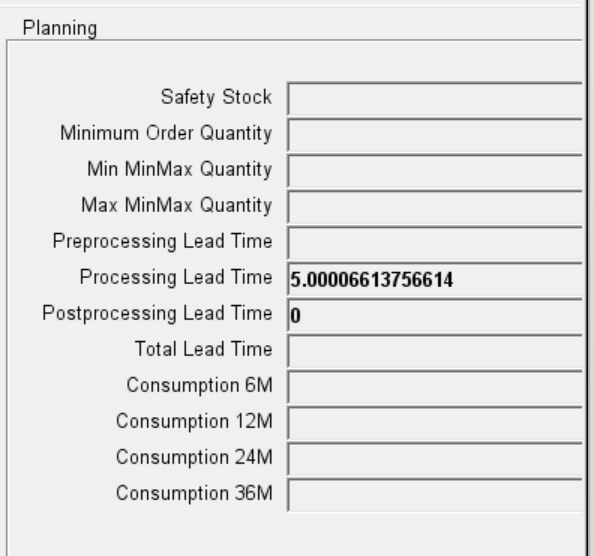
Can you please let us know, how value will come under consumption(s) field box?
1 reply

- You must be logged in to reply to this post.
Sign in with LinkedIn or Google to take part.
Home › Discussions › Questions & Answers › Supply Chain Hub Query
 Customer · · Questions & Answers · 1 reply
Hi Eric,
Can you please let us know, how value will come under consumption(s) field box?
Hi,
There are 2 profile options that control the display of the KPIs in the Supply Chain Hub
Profile Option: Supply Chain Hub: Show KPIs in Item Search Tab
Determines if the following KPIs will be displayed in the Items Tab

Profile Option: Supply Chain Hub: Show KPIs in Item Details Tab
Determines if the consumption APIs will be calculated and displayed in the Item Details Tab

These were introduced for performance reasons. To enable display of the KPIs please set either or both the profile options to Yes at whatever level id required.
Either at a personal user level:

Or through System Administrator if you want it set at SIte or Responsibility level:

Kind Regards,
Eric
Sign in with LinkedIn or Google to take part.