
Home › Discussions › Questions & Answers › Scheduling a report problem

Scheduling a report problem

Avatar photoCustomer Questions & Answers 2 replies

Hi Andy,

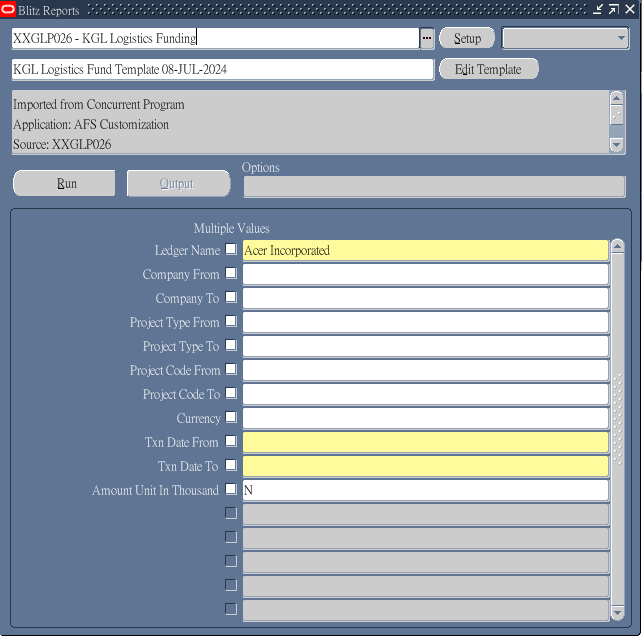
We would like to schedule a report according to the user guide [1.6 Scheduling a report.]
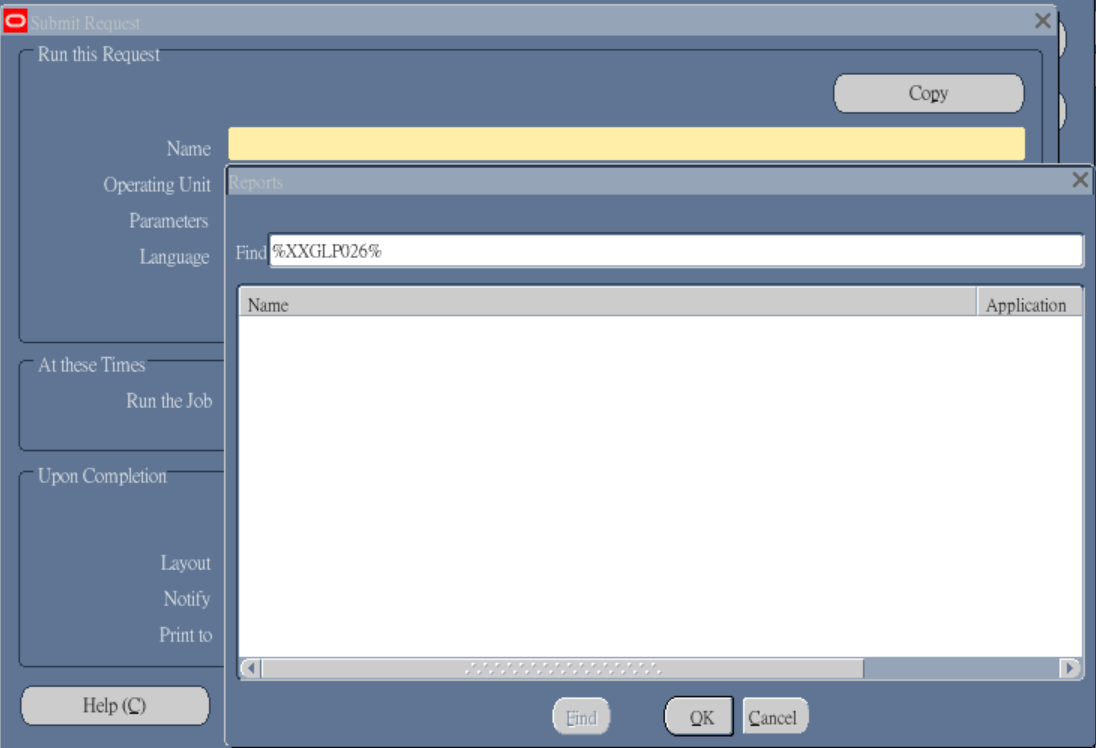
When we Navigate to the menu > view > requests > submit a new request > single request > Copy > Find, we cannot find the report.
We Navigate to the menu > view > requests > submit a new request > single request, we cannot find the report too. How could we setup the schedule or is there any other setup the schedule?
2 replies

  • Support Enginatics

    Hi,

    To schedule reports, you would need to have the Blitz Report concurrent program assigned to the request group of your current responsibility.
    This can be done either manually for individual request groups, or you can use the recommended method and run the Blitz Report Update Menu Entries concurrent program to automatically add the Blitz Report function and concurrent program to all active responsibilities.
    If you would like to make Blitz Report only available for a limited number of users, you can control the Blitz Report usage through the Blitz Report Access profile option.

    Thanks and regards,
    Andy

  • We can setup scheduled job now. Thank you.

  • You must be logged in to reply to this post.