
1 Download the software
2 Configure the virtual memory
3 Install Oracle Developer Suite 10g
3.1 Unzip the installation media
3.2 Run the installer
4 Configuration
4.1 Set FORMS_PATH and copy the EBS libraries
4.2 Set TNS_ADMIN
5 Upgrade to Forms 10.1.2.3
6 Apply the database patch bundle
7 Known issues
8 References
Introduction
Oracle E-Business Suite R12 forms are built with Oracle Forms 10.1.2.3, so any customer who maintains CUSTOM.pll or their own custom .fmb forms needs a matching Forms Developer 10g installation to compile them. Oracle Developer Suite 10g predates 64-bit Windows, and its installer stops on Windows 11 before it reaches the first screen.
This post covers a complete installation on Windows 11: the installer that gets past the operating system check, the two patches that bring the Oracle home up to the EBS 10.1.2.3 level, and the environment configuration Forms Builder needs to open EBS forms. The same steps apply to Windows 10.
1 Download the software
You will need:
- Oracle Developer Suite 10g 10.1.2.0.2 for Microsoft Windows –
ds_windows_x86_101202_disk1.zipandds_windows_x86_101202_disk2.zip, the base media. - Patch 10396165 –
p10396165_101210_WINNT.zip. Itssetup.exeis the installer you actually run; it takes the Developer Suite media above as its source. - Patch 5983622 –
p5983622_10123_WINNT.zip, the Developer Suite 10.1.2.3 software update. - Patch 13413002 –
p13413002_10105_WINNT.zip, the database patch bundle for the 10.1.0.5 libraries inside the Forms home. - The PL/SQL libraries from your own EBS instance, taken from
$AU_TOP/resource.
The three patches are on My Oracle Support; the links open their download pages once you are signed in. The base media is no longer published on Oracle Technology Network, so if you no longer hold a copy you will need to request it through Oracle Support.
2 Configure the virtual memory
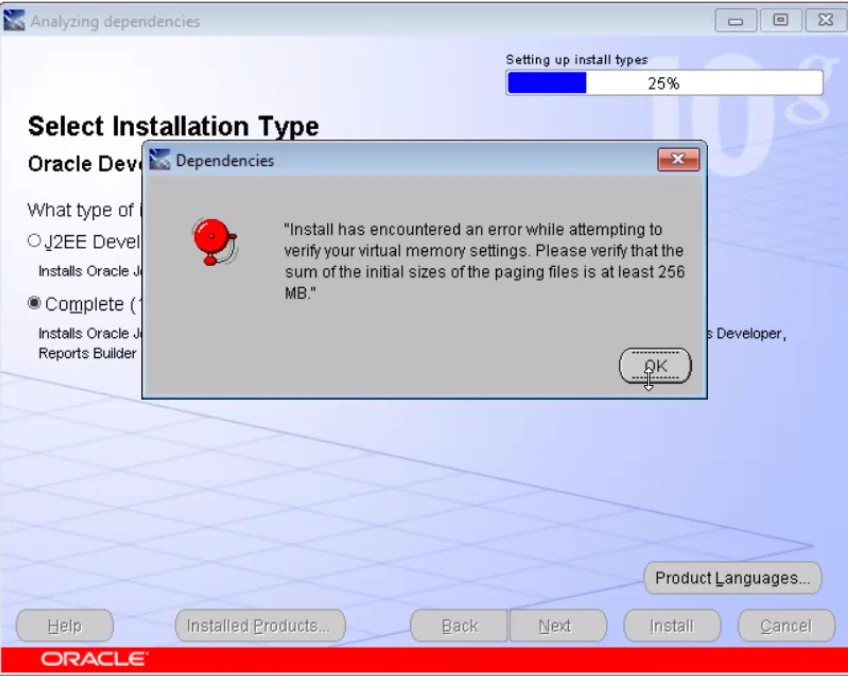
The installer checks the paging file before it starts, and stops when the sum of the initial sizes is below 256 MB:
Install has encountered an error while attempting to verify your virtual memory settings. Please verify that the sum of the initial sizes of the paging files is at least 256 MB. |
Windows 11 manages the paging file automatically by default, which this check does not accept. Set an explicit size instead, under System Properties > Advanced > Performance Settings > Advanced > Virtual memory Change: clear Automatically manage paging file size for all drives, select the drive, choose Custom size, enter an initial and a maximum size, and click Set.
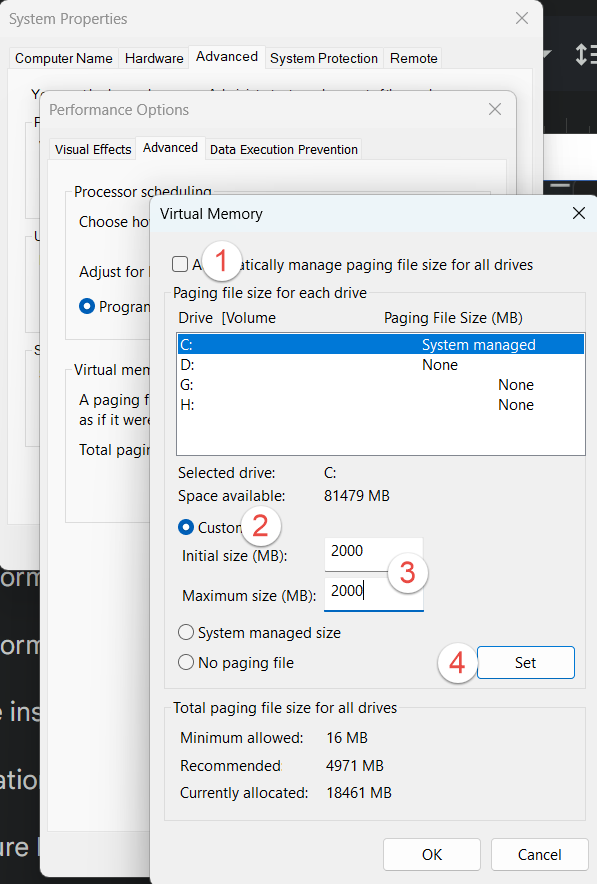
Windows asks for a restart before the new size takes effect.
3 Install Oracle Developer Suite 10g
3.1 Unzip the installation media
Unzip the two Developer Suite zips into one directory each, and patch 10396165 into a separate directory. Use paths without spaces:
D:\Stage\FormsBuilder\Disk1 D:\Stage\FormsBuilder\Disk2 D:\Stage\10396165 |
3.2 Run the installer
Edit D:\Stage\10396165\Disk1\install\oraparam.ini and add 6.1 to the certified versions:
[Certified Versions] Windows= 5.0,5.1,5.2,6.1 |
Without this the installer stops with Checking operating system version: must be 5.0, 5.1 or 5.2 . Actual 6.1 Failed (Doc ID 2200560.1).
Right-click setup.exe in D:\Stage\10396165\Disk1, open Properties > Compatibility, tick Run this program in compatibility mode for and select Windows XP (Service Pack 3), then Apply. Run the same setup.exe as Administrator – the operating system check now passes.
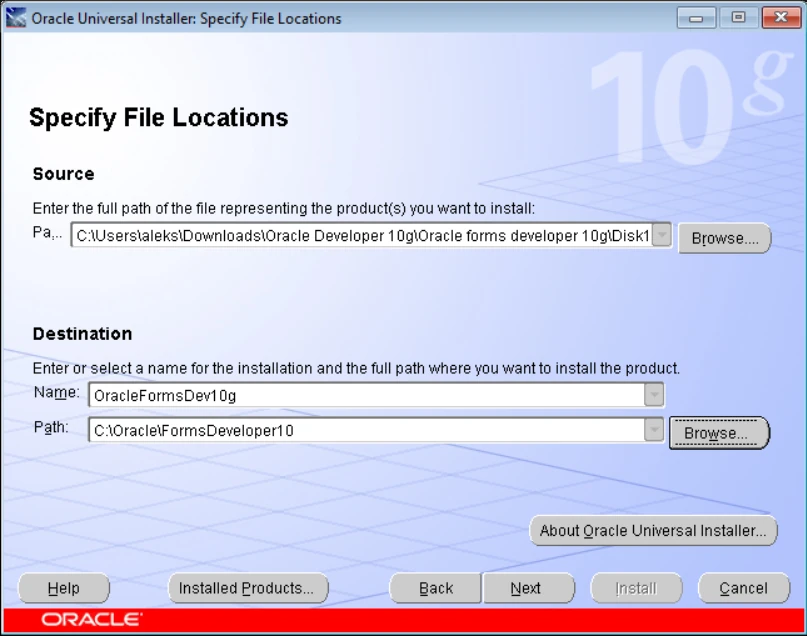
On Specify File Locations, set the source to the products.xml of the unzipped media, and the destination to an Oracle home path without spaces:
Source: D:\Stage\FormsBuilder\Disk1\stage\products.xml Destination: C:\Oracle\FormsDeveloper10 |
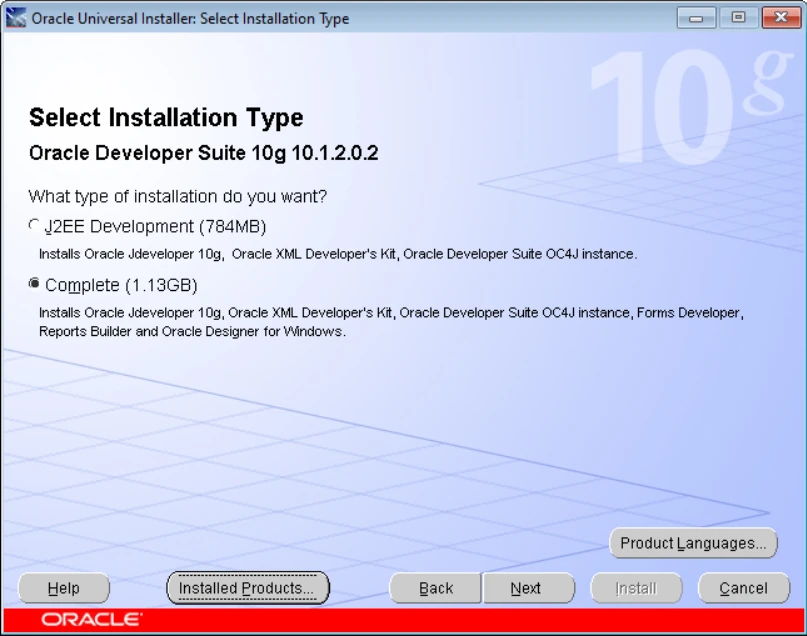
Choose the Complete installation type, which is the one that includes Forms Developer.
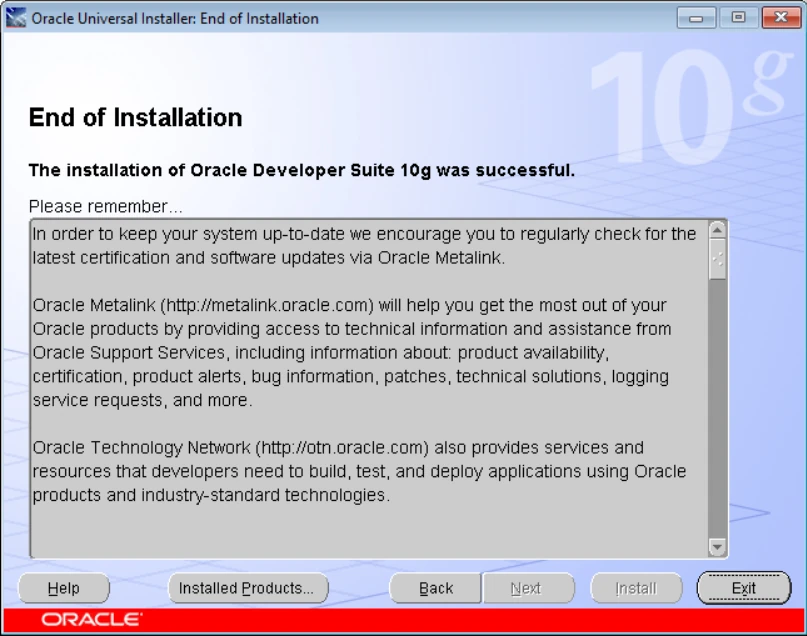
The installation itself takes a few minutes.
4 Configuration
4.1 Set FORMS_PATH and copy the EBS libraries
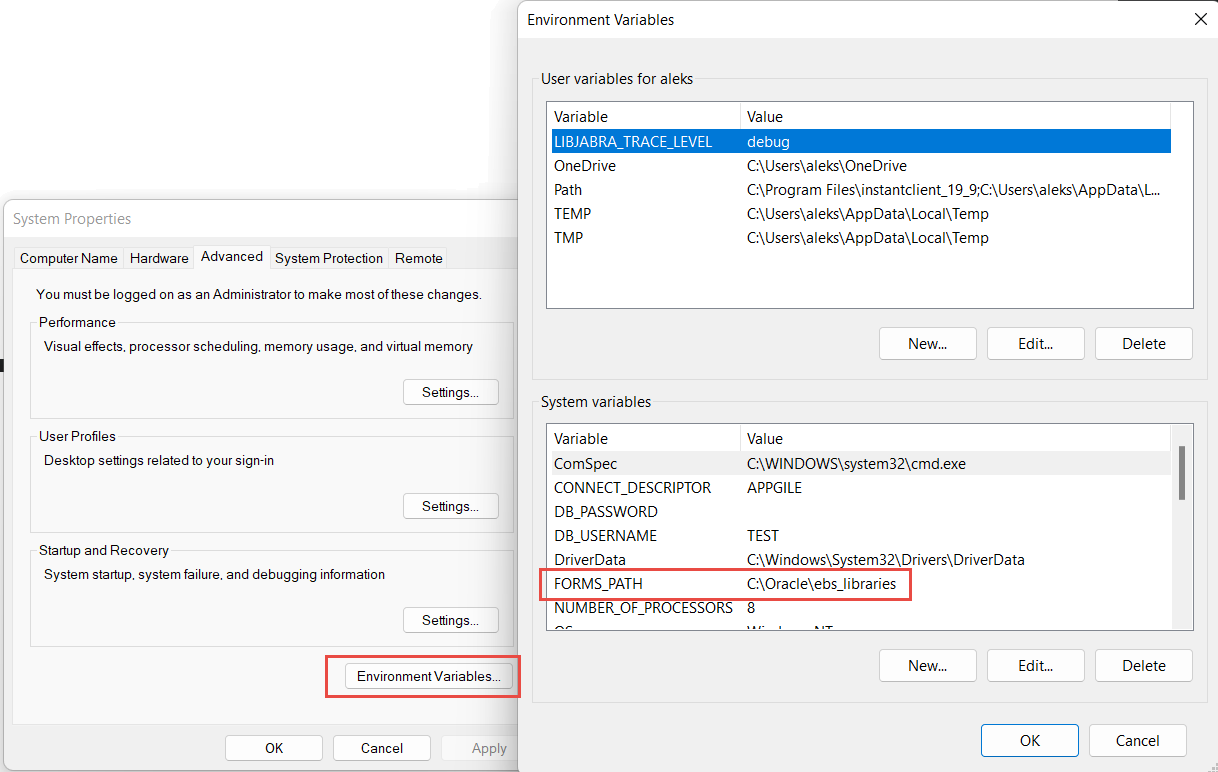
Forms Builder resolves attached libraries through FORMS_PATH. Create it as a system environment variable pointing at a directory of your choice:
FORMS_PATH=C:\Oracle\ebs_libraries |
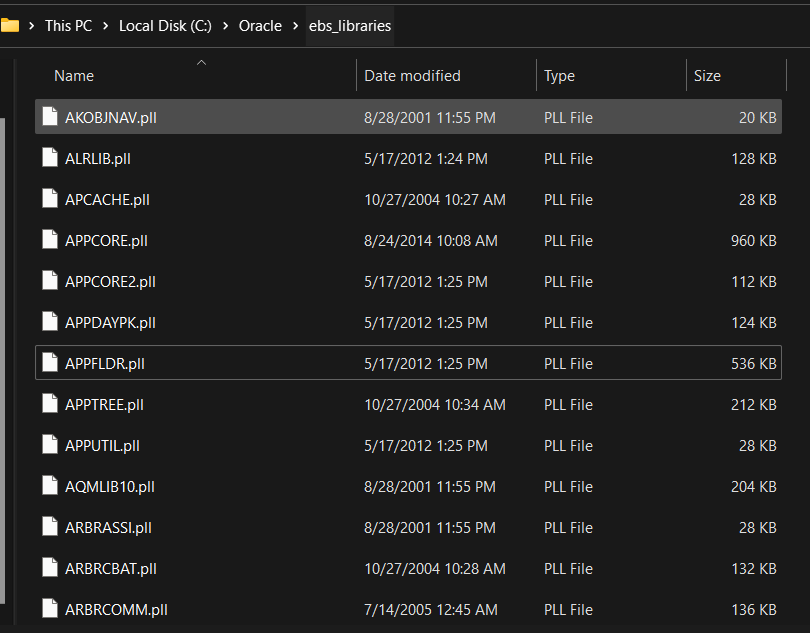
Copy the PL/SQL libraries from your EBS instance’s $AU_TOP/resource directory into it. They are needed to open any EBS form, because each one attaches APPCORE, APPDAYPK and the other standard libraries.
4.2 Set TNS_ADMIN
Add the databases you need to C:\Oracle\FormsDeveloper10\NETWORK\ADMIN\tnsnames.ora:
R1213 =
  (DESCRIPTION =
    (ADDRESS = (PROTOCOL = TCP)(HOST = r12.localdomain)(PORT = 1521))
    (CONNECT_DATA = (SID = VIS))
) |
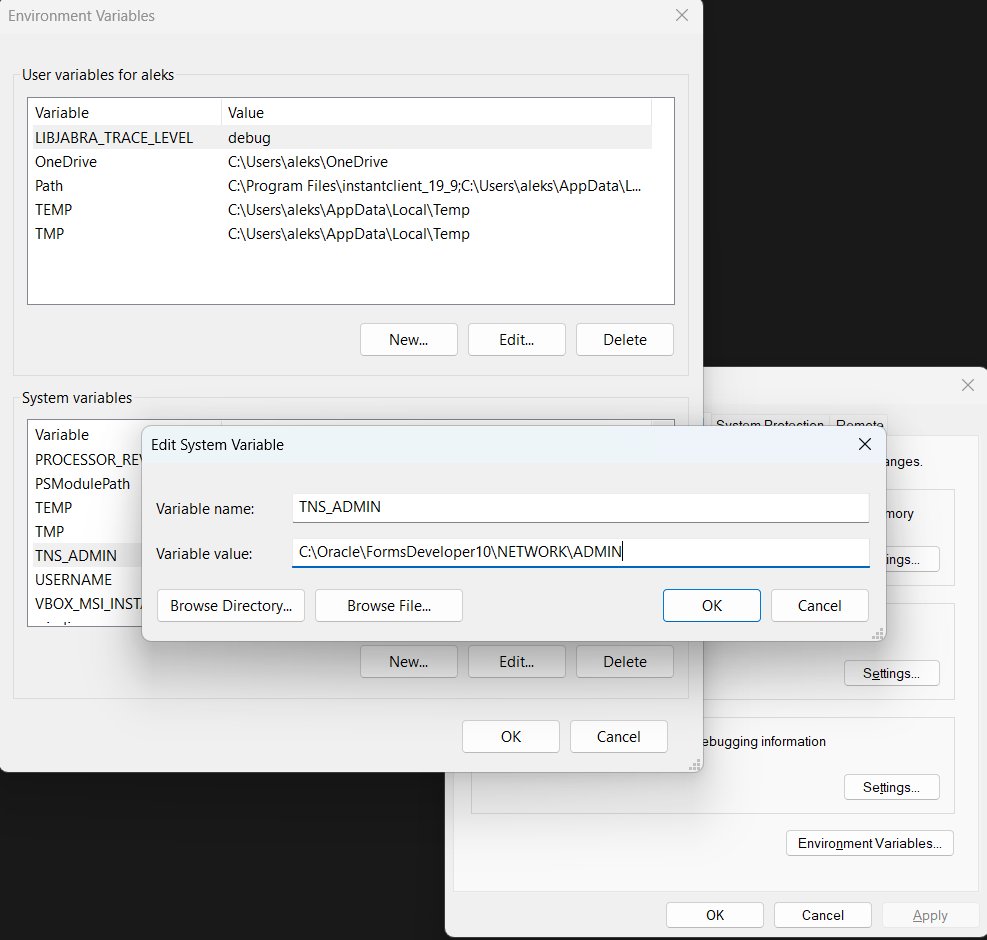
Then create a system environment variable pointing at that directory:
TNS_ADMIN=C:\Oracle\FormsDeveloper10\NETWORK\ADMIN |
5 Upgrade to Forms 10.1.2.3
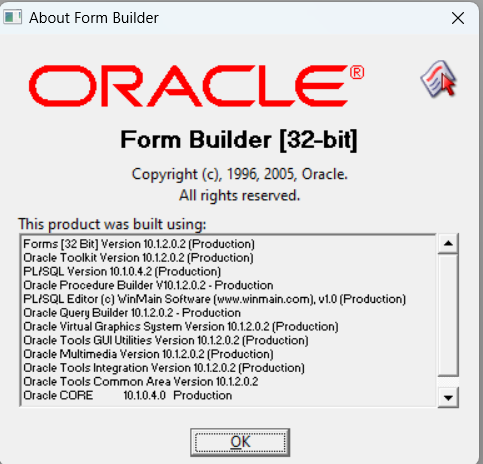
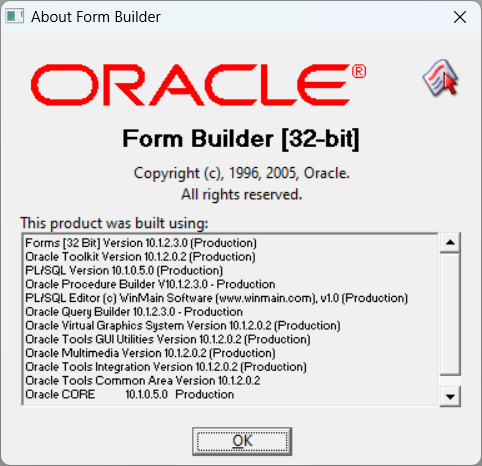
EBS R12 runs Forms 10.1.2.3, so the Forms Builder used to compile its forms should be at the same level. The media installs 10.1.2.0.2, and patch 5983622 brings the home up to 10.1.2.3. Help > About Form Builder shows the current version:
Unzip the patch, then right-click setup.exe in its Disk1 folder, open Properties > Compatibility, tick Run this program in compatibility mode for and select Windows 7. Open a command prompt as Administrator, change to that folder and start the installer with the prerequisite check disabled:
cd D:\Stage\5983622\Disk1 setup.exe -ignoreSysPrereqs |
On Specify File Locations, select the Oracle home you installed above. Using the same path is what makes this an update of the existing installation rather than a second home.
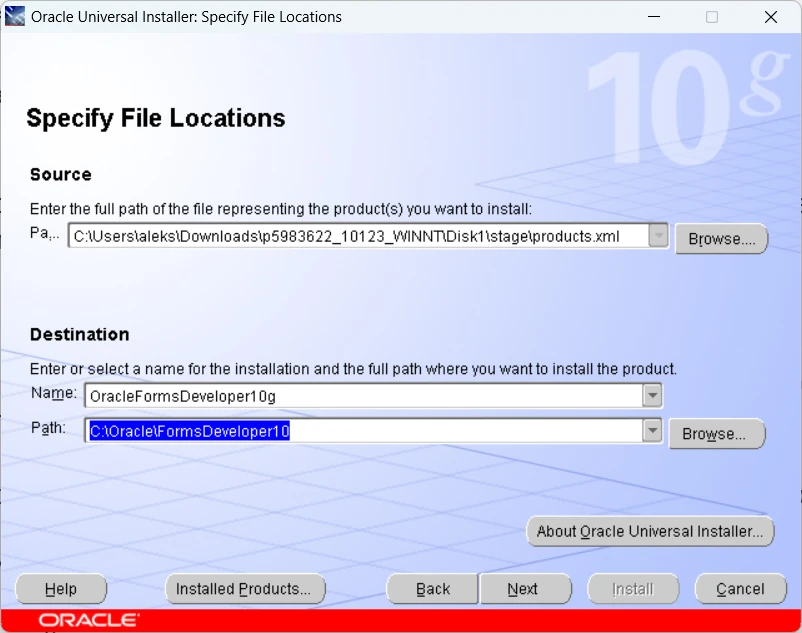
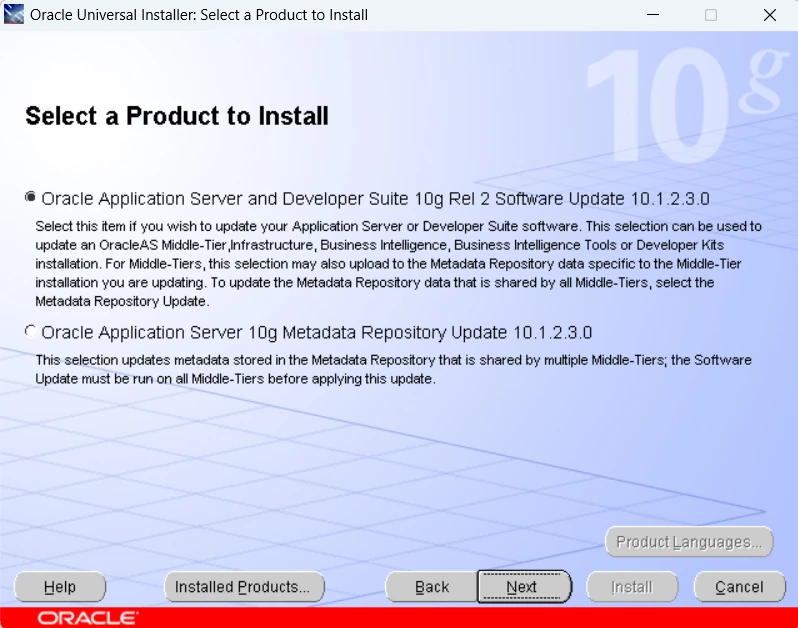
Select Oracle Application Server and Developer Suite 10g Rel 2 Software Update 10.1.2.3.0.
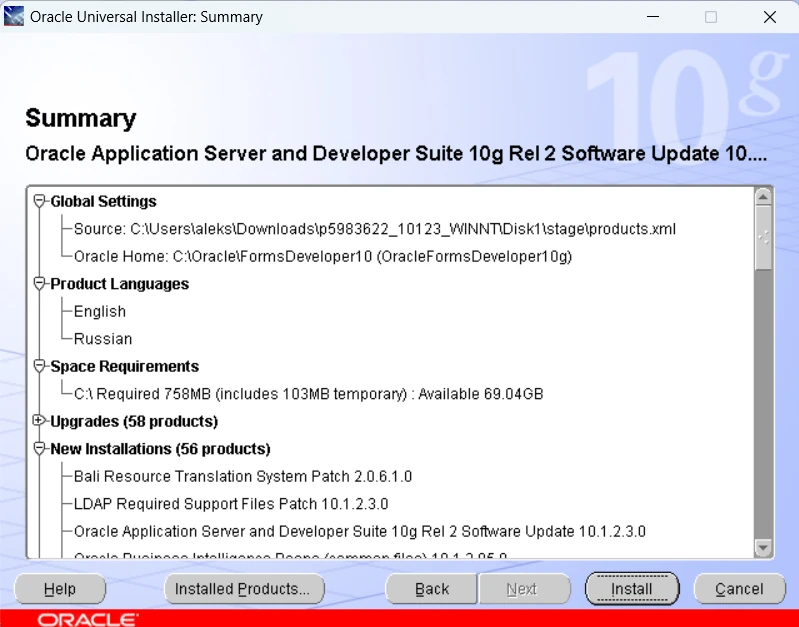
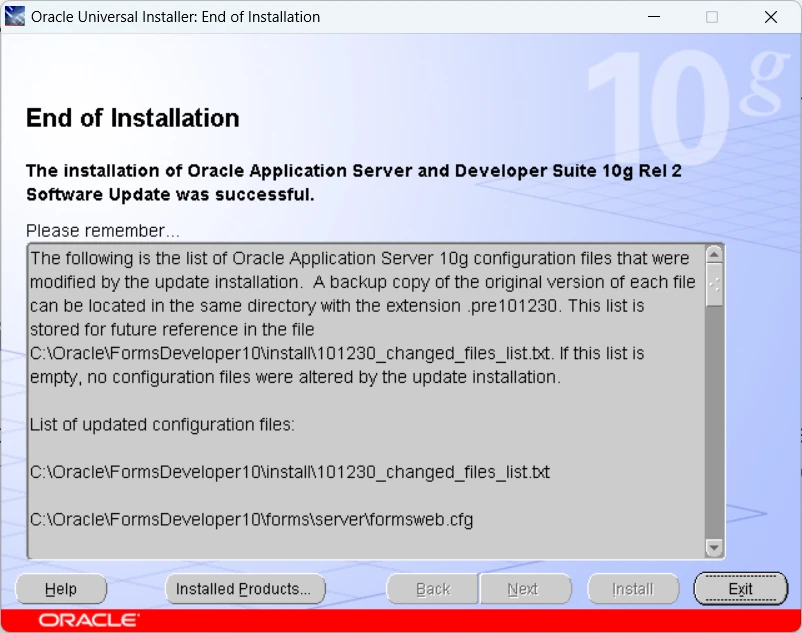
Continue through the summary and start the installation.
Exit the installer once it finishes.
Help > About Form Builder now reports 10.1.2.3.0.
6 Apply the database patch bundle
The Forms home contains Oracle Database 10.1.0.5 client libraries, which patch 13413002 updates. It also resolves Forms Builder closing without a message when a form is opened, so it is worth applying even if you have no other reason to.
Open a command prompt as Administrator and point the environment at the Forms home:
set ORACLE_HOME=C:\Oracle\FormsDeveloper10 set PATH=%PATH%;C:\Oracle\FormsDeveloper10\OPatch |
Unzip the patch, change into its 13413002 directory and apply it:
cd D:\Stage\13413002 opatch apply |
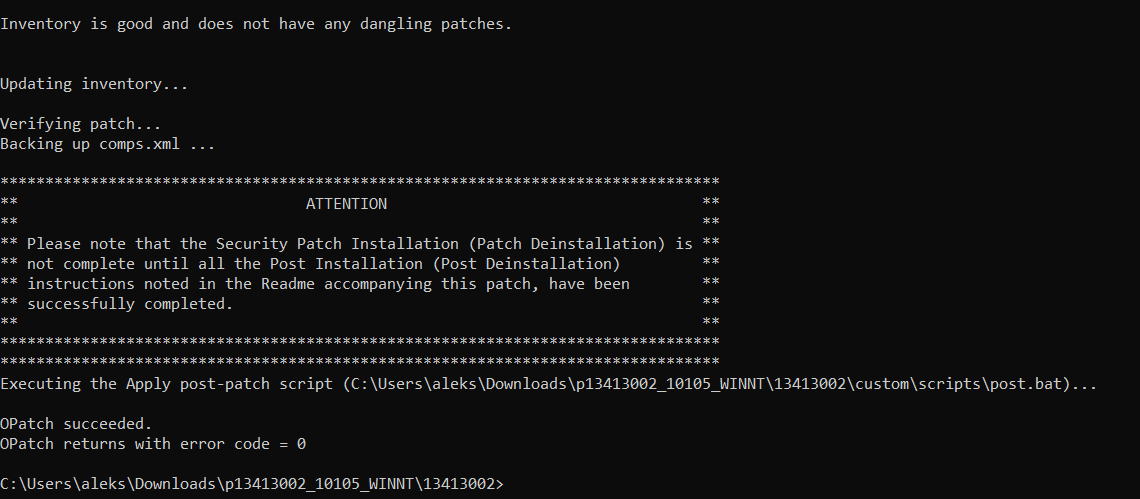
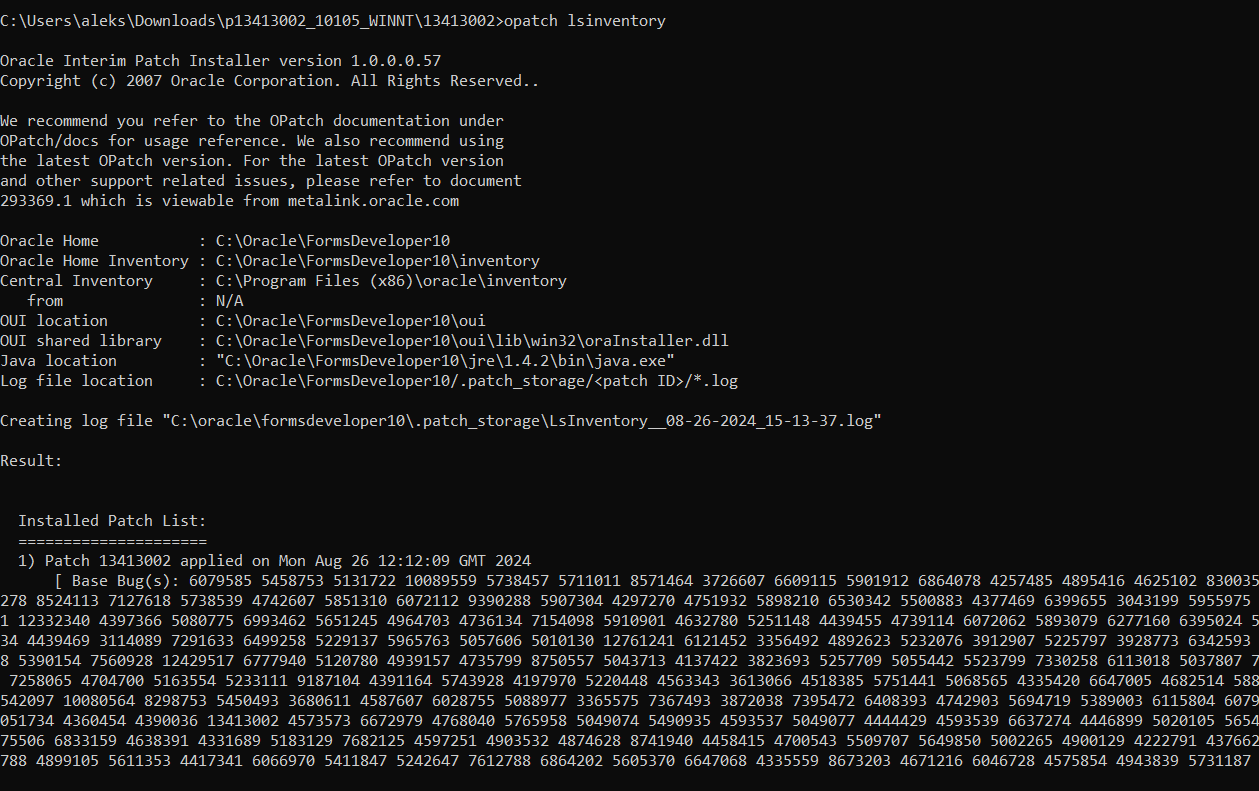
Confirm that it registered:
opatch lsinventory |
7 Known issues
Forms Builder closes abruptly when a form is opened. There are two common causes on a fresh installation:
- The database patch bundle 13413002 has not been applied to the Forms Developer 10g home – see section 6.
- Forms Builder is not connected to a database. Connect to any database first; this applies to opening
CUSTOM.pllas well.
8 References
- Instructions on How to Install Forms Developer 10G Windows 10/11 (Doc ID 2925989.1)
- R12 E-Business Suite Forms Developer 10g Installation Fails on Windows 7 64-bit With Error ‘Checking operating system version: must be 5.0, 5.1 or 5.2 . Actual 6.1 Failed’ (Doc ID 2200560.1)
If you would like help with the installation, or with your EBS forms and CUSTOM.pll customisations, please contact us.
Dear Enginatics,
We require Oracle Developer Suite 10g (10.1.2.0.2) for Microsoft Windows x86, specifically for Oracle Forms and Reports Builder 10g.
We are unable to download the required installation media from the Oracle website. The download link loads but does not provide access to the files.
Please provide/enable access to the following two installation files:
1. ds_windows_x86_101202_disk1.zip
2. ds_windows_x86_101202_disk2.zip
We specifically require both installation disks for the Oracle Developer Suite 10g (10.1.2.0.2) installation.
Kindly provide the appropriate download access or entitlement through our Oracle account/Support portal.
Thank you for your assistance.
This is the first complete list of steps I’ve found to install Developer Suite 10g in Windows 11 that actually works. Excellent job.
Thanks very much
Thanks Sizwe, that’s nice to hear that it was useful.